

BruinLearn
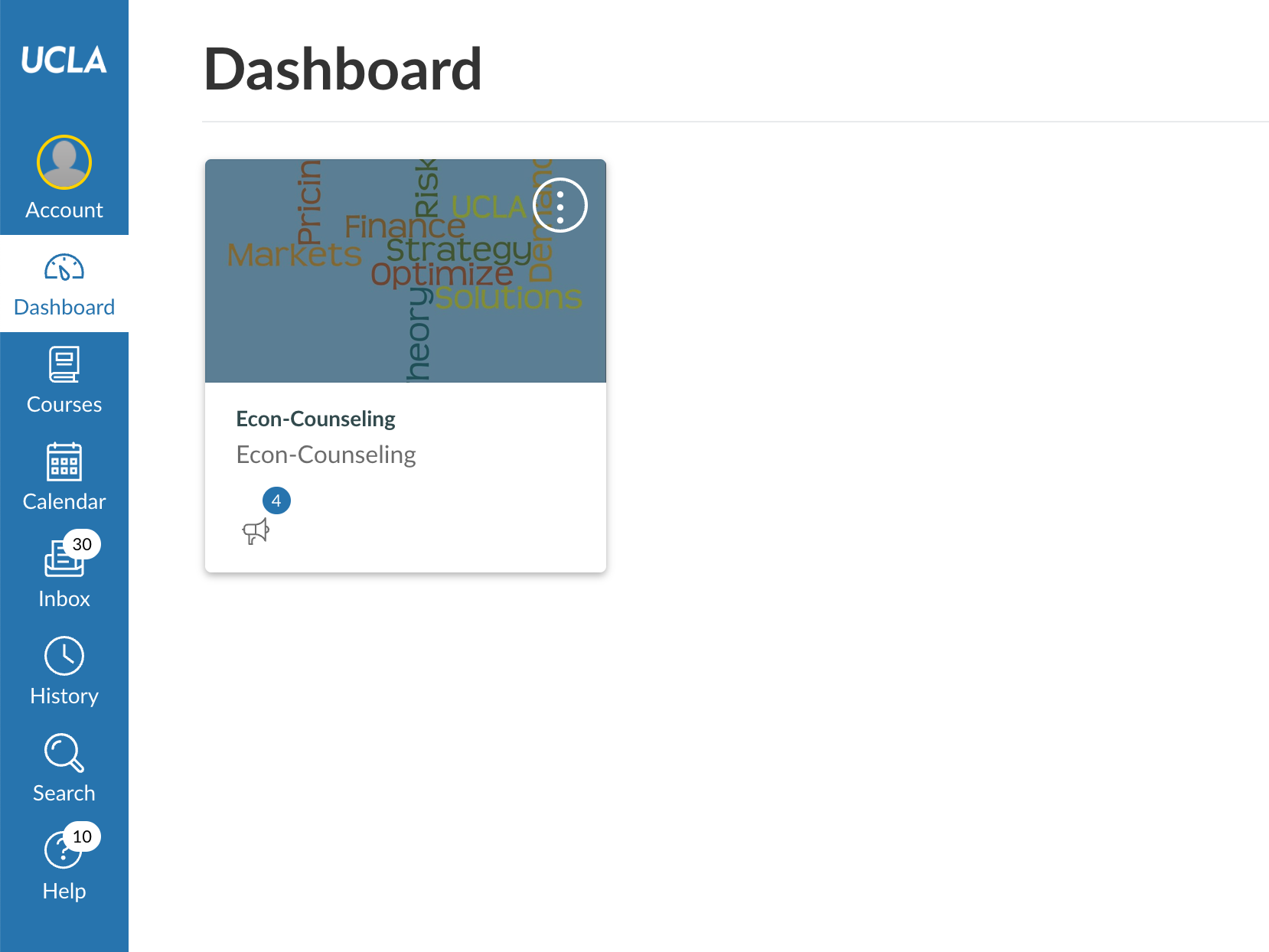
BruinLearn is UCLA’s Learning Management System (LMS), powered by Canvas, a product of Instructure, that connects students, professors, teaching assistants and more to their courses, classwork and academic materials. While there are many functions of BruinLearn, such as assignment submission and grading, each UCLA BruinLearn page is unique as it is dependent on the professor. To learn more about navigating through UCLA BruinLearn, click the link below.
To access BruinLearn, students and professors must use their UCLA logon ID and password. Click the link below to log in to UCLA BruinLearn.
For new students looking to create a UCLA logon ID and password, click the link below.
The BruinLearn Center of Excellence website offers important resources, information and tools for students and professors. Some resources include UCLA BruinLearn training and office hours. To explore this website, click the link below.
For a YouTube tutorial on how to use BruinLearn, click the link below.
To contact the BruinLearn Center of Excellence for technical issues or Canvas needs, email bruinlearn-support@it.ucla.edu. For drop-in BruinLearn support, click the link below for office hours.
